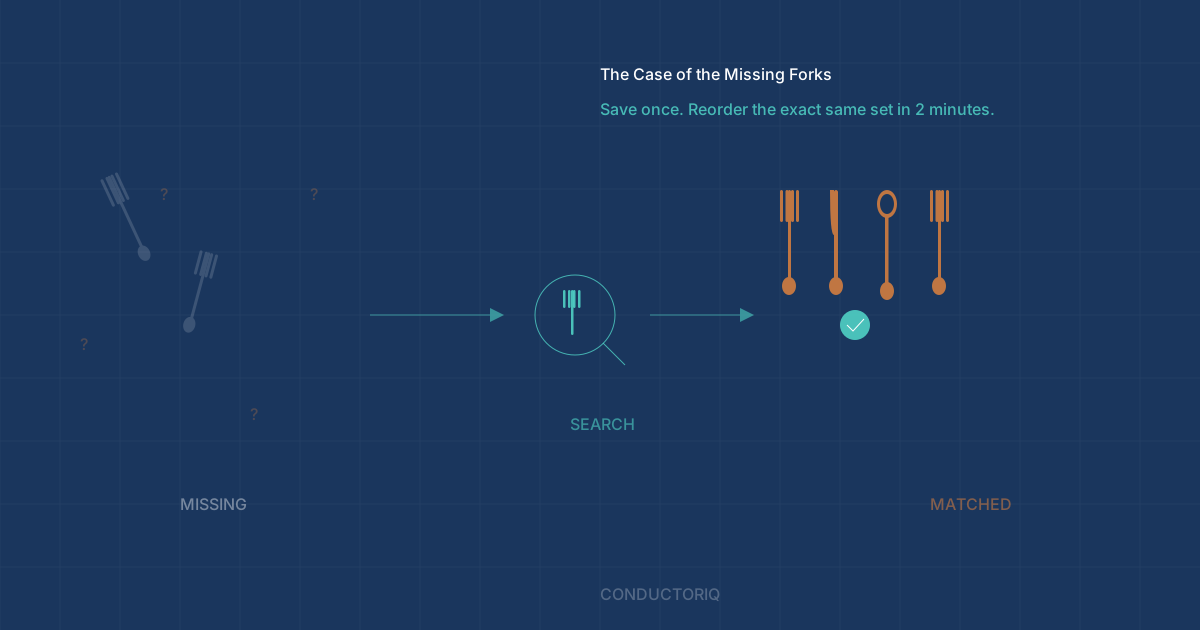
TL;DR: Silverware will go missing — it migrates into lunch bags, gets tossed with takeout containers, and vanishes into the trash. The win is not tracking every fork. It is saving the brand, pattern, and purchase link once so replacing missing pieces takes two minutes instead of a fresh research project. One homeowner used ConductorIQ to build a "replacement recipe" for their silverware set, and it changed how they handle every recurring household purchase.
Table of Contents
- The Silverware Disappearance Problem
- Why Replacement Is the Real Pain Point
- The Fix: Save the Replacement Recipe Once
- How ConductorIQ Keeps the Link Findable
- Build a Reorder Library for Everything You Replace
- How to Start Your Reorder Library in 10 Minutes
- FAQ: Household Replacement Tracking
The Silverware Disappearance Problem
If you have ever opened your silverware drawer and thought, we definitely used to have more forks than this — you are not imagining things. Silverware disappears in a way that feels almost supernatural, and it happens in every household.
Forks migrate into lunch bags and never come back. Spoons get tossed with takeout containers. Knives end up in desk drawers next to a stack of instant ramen. A single fork gets wrapped in a paper towel and thrown away after a picnic. Multiply that by a few years and the drawer is noticeably light.
One ConductorIQ homeowner finally accepted the truth: the goal is not to prevent silverware from disappearing. The goal is to make replacement painless — and to avoid the slow drift into a drawer full of mismatched, random forks from three different sets you bought in three different years.
Why Replacement Is the Real Pain Point
The cost of missing silverware is not catastrophic. A replacement set is $30–$80. The friction is the problem — and it plays out the same way in almost every household. According to the National Association of Home Builders, homeowners spend an average of 1–4% of their home's value on maintenance and replacement purchases annually — much of it on items they have bought before.
Here is how it usually goes:
- The drawer starts feeling light. You notice you are washing forks more often than seems right.
- You decide to "just replace it." You open your phone and start browsing.
- You cannot remember the brand or pattern. Was it Oneida or Cambridge? Satin finish or polished?
- You buy something "close enough." It arrives. The handles are slightly different. The weight feels off.
- Six months later, you have three different styles — and still not enough forks.
The financial cost is minor. The accumulated frustration is not. And the bigger issue is consistency: once you lose the original product details, every replacement purchase makes the set less cohesive. Your drawer slowly turns into a museum of good intentions.
This is a pattern that extends well beyond silverware. Any item you replace repeatedly — air filters, light bulbs, water filters, touch-up paint — has the same problem. You buy it once, forget the details, and then guess the next time.
The Fix: Save the Replacement Recipe Once
This homeowner did one simple thing: they captured the silverware set information while it was still easy to find.
They treated the silverware set like a home asset — not because it is expensive, but because the replacement details are worth saving.
Here is what they recorded:
| Detail | Why It Matters |
|---|---|
| Brand and pattern name (or exact product title) | So you reorder the identical set, not a "similar" one |
| Photo of the set and any identifying marks | Visual confirmation when comparing products |
| Purchase date | Helps track how long sets last before needing replacement |
| Purchase link (Amazon, retailer, etc.) | One-click reorder — no searching required |
| Notes | "Matches everyday set" / "Do NOT reorder the shiny version" |
That is it. No weekly counting. No spreadsheet tracking individual forks. Just save the replacement recipe once, while the information is easy to find — on the original order confirmation, the product page, or the box in your recycling bin.
The key insight: the best time to save replacement details is when you first buy something, not when you need to replace it. By the time you need the information, it is already buried in months of email or long gone.
How ConductorIQ Keeps the Link Findable
The difference between "I should save that somewhere" and "I can actually find it later" is the whole game.
Everyone has good intentions about saving product details. According to a 2024 survey by Hippo Insurance, 54% of homeowners describe themselves as "burned out" by home management tasks — and the cognitive load of re-researching purchases they have already made is a significant contributor. The problem is where those details end up: a random note in your phone, a screenshot buried in your camera roll, a bookmark you will never find again, or a mental note that evaporates by Tuesday.
In ConductorIQ, this homeowner stored the silverware set details alongside the rest of their household information — receipts, warranties, manuals, maintenance notes, and other purchase links. Everything searchable. Everything in context.
So when the drawer inevitably drifted again, the replacement process looked like this:
- Notice the drawer is light
- Search ConductorIQ for "silverware"
- Open the saved purchase link
- Reorder the exact same set (or matching individual pieces)
Total time: about two minutes. No re-Googling. No scrolling through old Amazon orders. No guessing whether the "Cambridge Silversmiths Jessamine" is the same as the "Cambridge Silversmiths Jasmine." (It is not.)
Compare that to the alternative: a 30-minute research session that ends with you buying something "close enough" and adding another mismatched style to the drawer.
Build a Reorder Library for Everything You Replace
This is not really a story about forks.
It is about reducing household friction by saving the details for items you will replace again and again. Every home has a set of recurring purchases where the specific product matters — not just the category, but the exact brand, model, size, or color.
Here are the most common items that benefit from a saved replacement recipe:
- Air filters — You need the exact dimensions (20x25x1 vs. 20x25x4), the MERV rating, and the brand. Getting this wrong means a return trip or a filter that does not fit.
- Smoke detector batteries — CR123A? 9V? Varies by unit, and you probably have multiple types.
- Light bulbs — Wattage, color temperature (2700K vs. 5000K), base type (E26 vs. GU10). One wrong detail and you have mismatched lighting.
- Water filters — Refrigerator, pitcher, and whole-house filters all have specific model numbers. They are never interchangeable.
- Touch-up paint — The exact color code and sheen (eggshell vs. satin). "Close enough" is visible from across the room.
- Silverware — Brand, pattern, finish. As discussed.
- Vacuum bags and filters — Model-specific, and there are dozens of "compatible" options that do not actually fit.
The pattern is the same every time: the first purchase is easy because you are researching from scratch. The replacement purchase should be easier — but without saved details, you are researching from scratch again.
A reorder library eliminates the second research session entirely.
How to Start Your Reorder Library in 10 Minutes
You do not need to catalog your entire house. Start with the items that cause the most friction when you need to replace them.
Step 1: Pick one category. Silverware is a great starting point. So are air filters, light bulbs, or water filters — whatever you replaced most recently and remember struggling with.
Step 2: Save the exact product details. Open your most recent order confirmation email and capture the product name, model number, and direct purchase link. Add a photo if you have one.
Step 3: Add one note about what to buy — and what not to buy. This is the detail that saves future-you the most time. "Get the 18/10 stainless, NOT the 18/0." "MERV 11, not MERV 13 — the 13 restricts airflow in our unit." "Color code: SW 7015 Repose Gray, EGGSHELL finish."
Step 4: Store it somewhere searchable. ConductorIQ is built for exactly this — it keeps product details, purchase links, and notes alongside your other home asset data, all searchable and organized by property and room. But the principle works with any system you will actually use. The key is searchability: if you cannot find it in under 30 seconds, you will not use it.
That is the entire system. Save the details once, keep them findable, and every future replacement becomes a two-minute task instead of a research project.
FAQ: Household Replacement Tracking
How detailed should a replacement record be?
Detailed enough that you could hand it to someone else and they could buy the exact right product. At minimum: product name, brand, model or size, and a direct purchase link. A photo and one "what to buy / what not to buy" note make it bulletproof. You do not need serial numbers or receipts for everyday replacement items — save that level of detail for high-value assets and warranty tracking.
What if the exact product gets discontinued?
This is actually one of the best reasons to save detailed product specs. If your exact listing disappears, having the brand, pattern name, dimensions, and a photo gives you enough information to find the closest match — or to contact the manufacturer directly. Without those details, you are starting completely from scratch. Some brands (like Oneida, Cuisinart, and KitchenAid) maintain pattern names for decades, so the name alone is often enough to find replacement pieces on secondary marketplaces.
Is this not overkill for a $40 silverware set?
The value is not in the price of the item — it is in the time you save and the consistency you maintain. A 30-minute research session to replace a $40 item is a poor trade. More importantly, the "close enough" purchases compound: after two or three rounds, you have a drawer full of mismatched sets and you have spent more total than if you had reordered the original each time. The two minutes it takes to save the details once pays for itself on the very first replacement.
Silverware will keep disappearing. The difference is whether replacing it takes two minutes or turns into another half-hour scavenger hunt. Save the replacement recipe once — your future self will thank you.