Powerful Features for Complete Control
Discover the comprehensive toolkit that makes ConductorIQ the ultimate property management solution.
Dashboard
Your Central Command Center
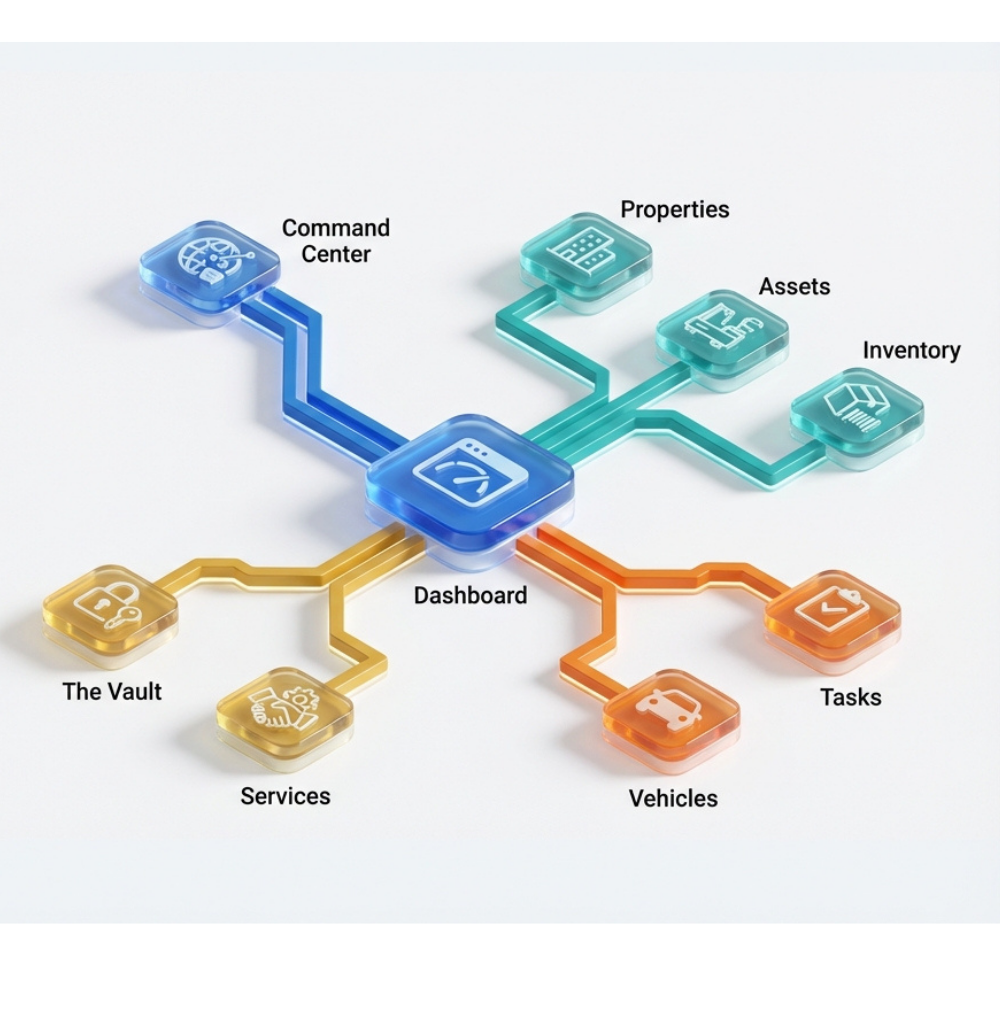
The Dashboard serves as the central command center for your home management experience, offering an immediate, high-level snapshot of your entire portfolio. It aggregates critical data from all other modules to present a cohesive overview of your organization's health. Key features include Statistics Widgets that display total counts of properties, active maintenance tasks, and tracked assets. The Upcoming Tasks widget prioritizes your schedule by alerting you to maintenance items due in the next 30 days, ensuring nothing slips through the cracks. Simultaneously, the Recent Activity feed provides a chronological audit trail of all actions taken within the system—from new asset additions to completed repairs—facilitating transparency and team coordination. Quick actions allow for rapid data entry, enabling you to add new properties or assets directly from the landing page.
Key Features:
- Real-time Statistics Widgets
- Upcoming Tasks (30-day view)
- Recent Activity Feed
- Quick Action Buttons
- Portfolio Health Overview
Properties
Foundation of Your Portfolio
The Properties module is the foundational layer of the software, designed to manage the lifecycle and details of your real estate portfolio. It supports the tracking of multiple property types, from single-family homes to larger estates, within a unified interface. Users can create detailed profiles for each property, storing essential metadata such as addresses, purchase dates, and images. The module integrates a Property Limit Gate, allowing for scalable subscription tiers that grow with your portfolio. It acts as the parent entity for other features, linking directly to assets, maintenance schedules, and secure documents, thereby ensuring that every data point is contextually anchored to a specific physical location.
Key Features:
- Multi-property type support
- Detailed property profiles
- Address and metadata tracking
- Scalable subscription tiers
- Central linking hub for all features
Vehicles
Comprehensive Fleet Management
The Vehicles section provides comprehensive fleet management capabilities for personal or property-associated vehicles. It allows users to create detailed digital twins of their cars, trucks, and other machinery, capturing critical information such as make, model, year, and VIN. The feature is designed to track Maintenance History, giving users a clear log of past repairs and services to preserve resale value and ensure safety. It also monitors Warranty Information, helping you maximize coverage utility. The interface includes premium features like Comparison Views (locked behind tiers) and specialized trial experiences, making it a robust tool for staying on top of registration renewals, oil changes, and insurance requirements.
Key Features:
- VIN decoding and auto-fill
- Maintenance history tracking
- Warranty monitoring
- Mileage tracking with charts
- Registration and insurance reminders
Assets
Intelligent Inventory Management
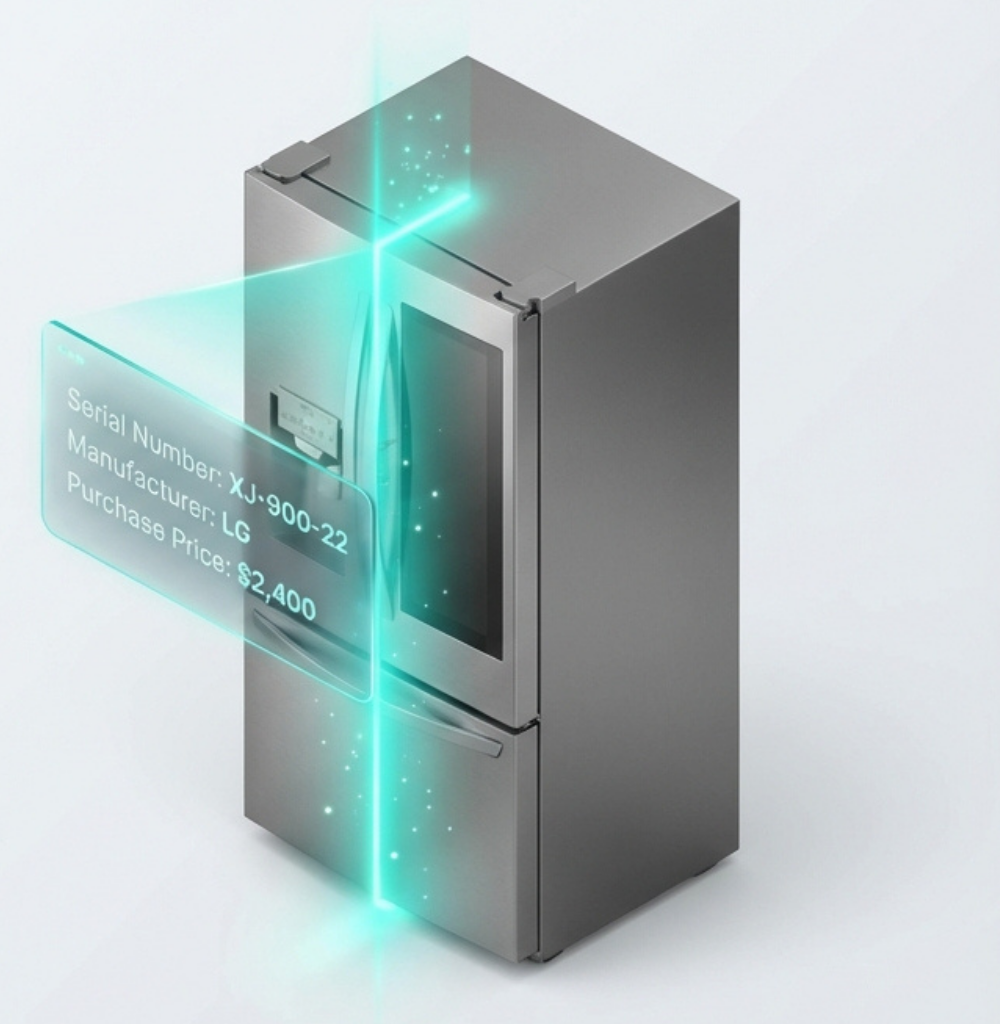
Assets transforms inventory management by cataloging the appliances, electronics, and systems inside your properties. This module goes beyond simple lists by offering intelligent features like AI-Powered Scanning (via "Scan with AI"), which extracts manufacturer details and serial numbers from photos to reduce manual entry. It integrates a Vault Review Inbox, allowing you to seamlessly link receipts and manuals found in your vault to the specific item they belong to. Whether it's an HVAC system or a refrigerator, the Assets area tracks age, purchase price, and location, providing a granular view of your property's contents for insurance purposes and depreciation tracking.
Key Features:
- AI-powered photo scanning
- Serial number extraction
- Vault document linking
- Purchase price and age tracking
- Insurance and depreciation support
The Vault
Secure Digital Repository
The Vault is a secure, digital repository engineered to safeguard your most critical documentation. It organizes files such as property deeds, insurance policies, warranties, travel credits, gift cards and service receipts in a centralized, encrypted environment. Unlike a generic file folder, the Vault is context-aware; it allows you to dynamically link documents to specific properties, assets, or vehicles, ensuring that relevant information is always instantly retrievable where you need it. By digitizing these physical records, the Vault reduces clutter and protects against loss, providing peace of mind and streamlined access during tax season, insurance claims, or property sales.
Key Features:
- AES-256 encryption
- Gmail scanning for gift cards
- SMS expiration alerts
- Context-aware document linking
- Travel credits and warranty tracking
Maintenance Tasks
Proactive Property Care
The Maintenance Tasks module is the proactive engine of the software, ensuring the longevity and functionality of your investments. It features a sophisticated Maintenance Wizard and Maintenance List that manage both one-off repairs and recurring preventative schedules. Users can track the status of jobs from "To Do" to "Completed," assign them to specific properties or assets, and ensure timely execution. The system supports Maintenance Bundles, allowing you to apply standardized sets of tasks (e.g., "Winterization") to properties in bulk. This area transforms reactive fixes into a planned maintenance strategy, saving time and preventing costly deferred maintenance issues.
Key Features:
- Maintenance Wizard for guided setup
- One-off and recurring tasks
- Status tracking (To Do → Completed)
- Maintenance Bundles (e.g., Winterization)
- Preventative maintenance scheduling
Services
Your Digital Contractor Network
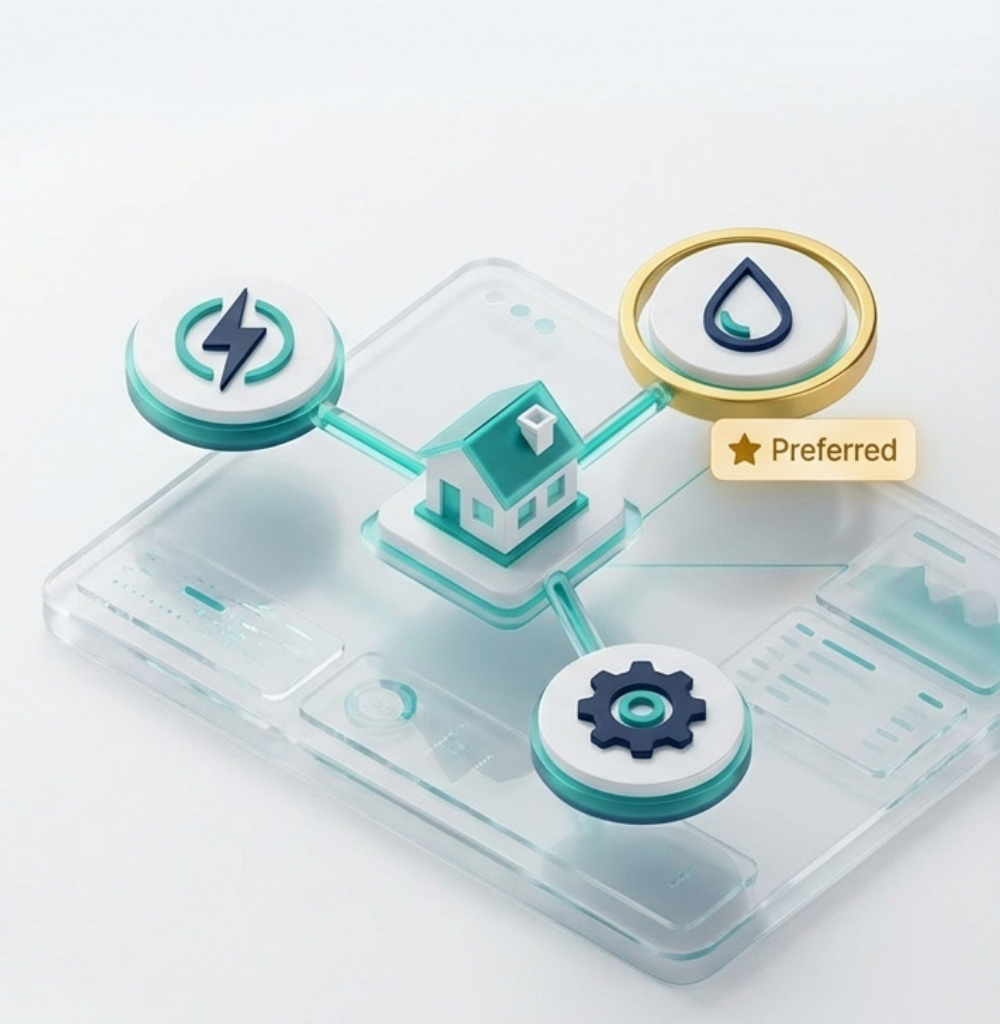
Services acts as your digital rolodex and project manager for external vendors. It consolidates Contractor Management, allowing you to store vendor profiles, ratings, and preference statuses (e.g., "Preferred Plumber"). The module handles Service Bookings, tracking scheduled appointments and their outcomes. Intelligent categorization maps tasks to specific trades—like plumbing, HVAC, or electrical—to streamline the hiring process. Integrating with a broader marketplace context, it facilitates finding and vetting new professionals, ensuring you always have the right talent available to address any issue that arises within your properties.
Key Features:
- Contractor profiles and ratings
- Preference status (Preferred, Blacklisted)
- Service booking tracking
- Trade-specific categorization
- Vendor vetting and marketplace integration
Command Center
Your Intelligent Assistant
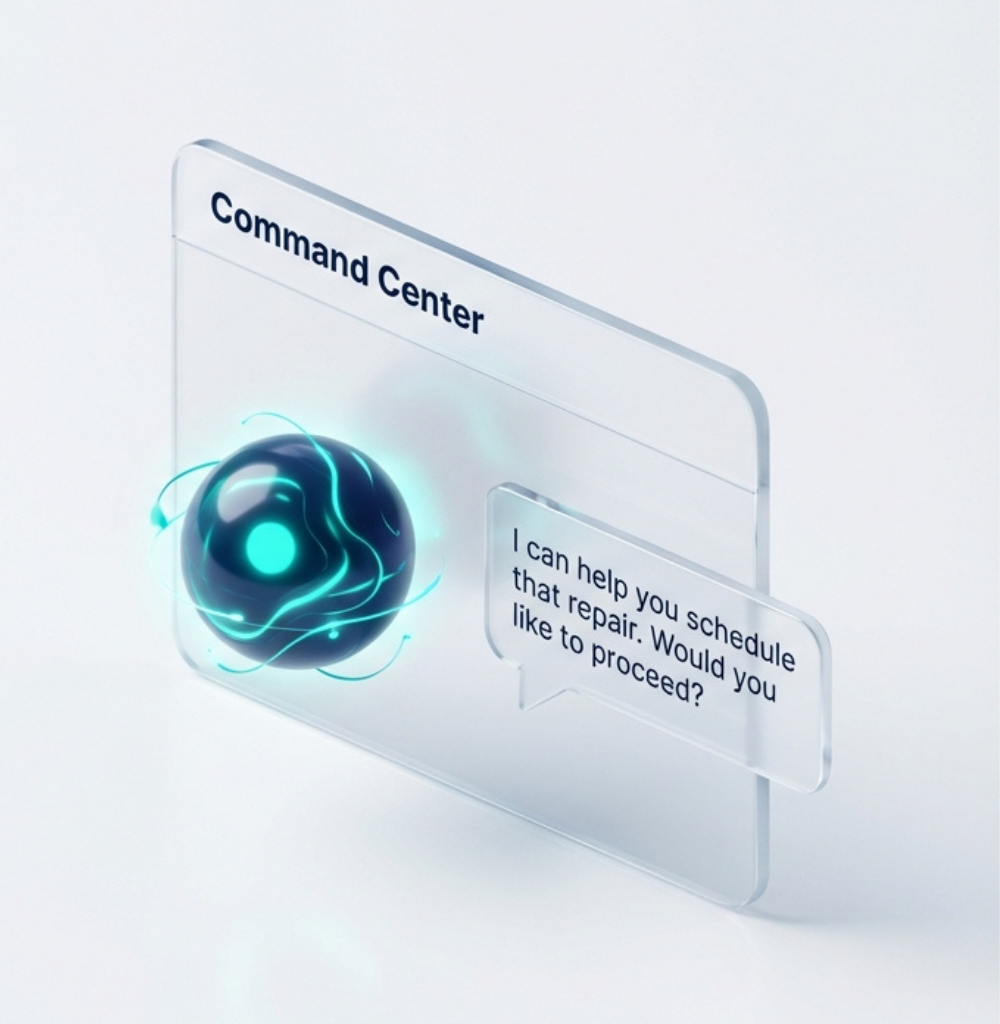
The Command Center acts as your always-available intelligent assistant, floating unobtrusively in the corner of your screen to provide immediate support without disrupting your workflow. It features a tabbed interface designed for quick interactions: the Actions tab leverages AI chat capabilities to help you execute tasks or query information conversationally; the Feedback tab facilitates direct communication with the product team to report issues or suggest improvements; and the Help tab offers on-demand guidance. Visually designed with a modern, minimized footprint that expands on interaction, it maintains context by preserving your chat history and feedback drafts. This component ensures that help, execution, and communication are never more than a click away.
Key Features:
- AI-powered Actions tab
- Direct Feedback submission
- On-demand Help resources
- Context-preserving chat history
- Minimized, non-intrusive design
Inventory
Consumables & Stock Management
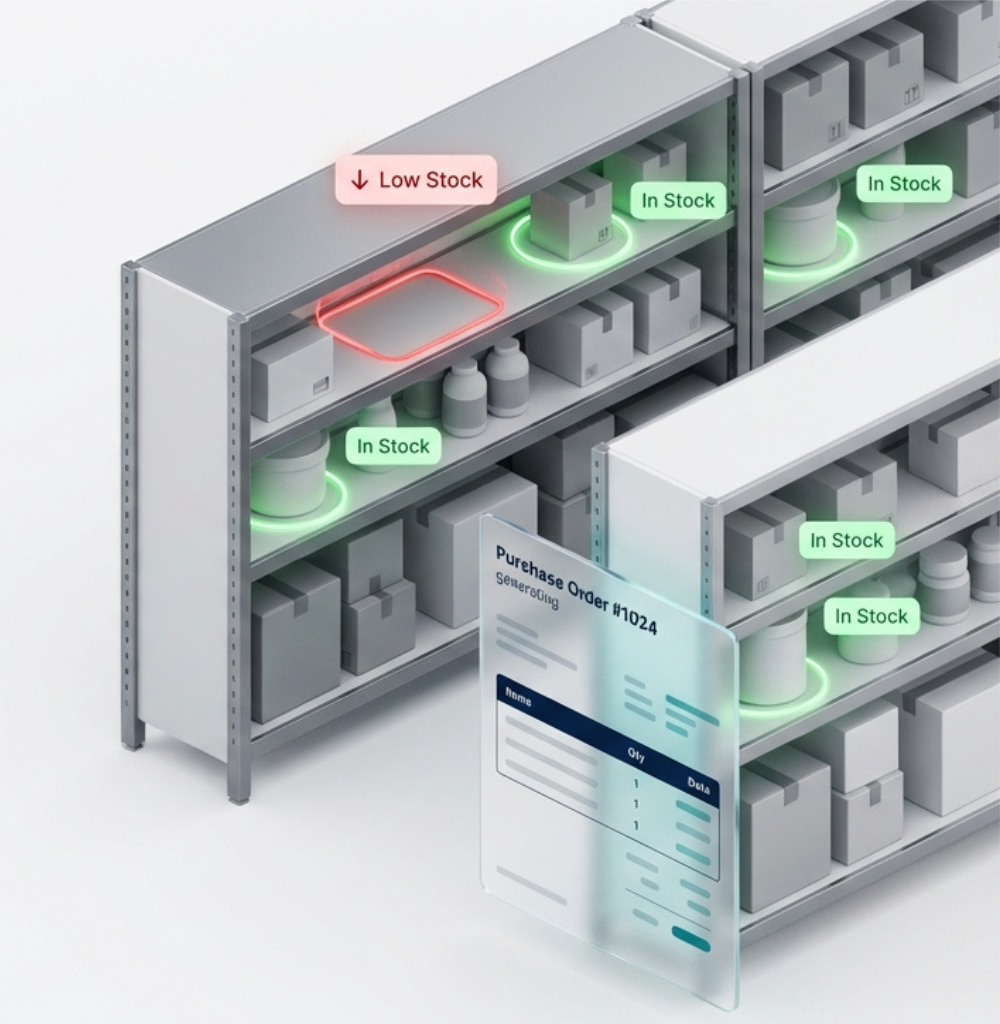
Inventory is a specialized module distinct from Assets, focusing specifically on consumable items and stock levels rather than fixed equipment. It provides a data-rich dashboard that highlights critical metrics like Low Stock and Out of Stock items, ensuring you never run out of essentials. The module features intelligent automation with a Purchase Order (PO) system, allowing users to generate draft POs for reordering supplies with a single click. It supports detailed tracking of quantities, reorder points, and minimum stock levels, complete with visual status badges (e.g., "In Stock", "Low Stock"). Users can organize items by category, brand, and model, making it an indispensable tool for managing household supplies or property maintenance materials efficiently.
Key Features:
- Low Stock and Out of Stock alerts
- Automated Purchase Order generation
- Reorder point tracking
- Visual status badges
- Category and brand organization
Settings
Comprehensive Control Panel
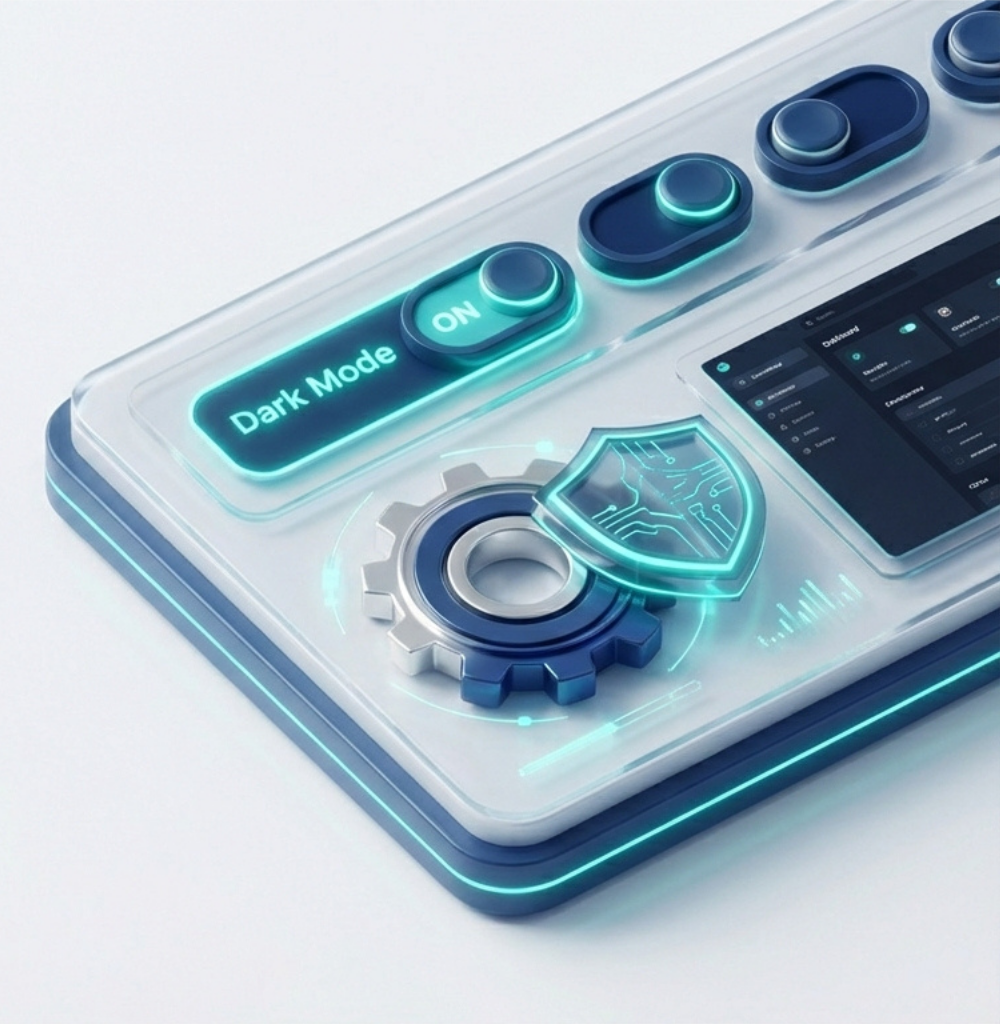
The Settings area is the comprehensive control panel for personalizing your user experience and securing your account. It offers granular control over User Profile details and Security (password management). Users can tailor the application to their preferences with Theme Selection (Light/Dark modes), custom Date Formats, and Timezone adjustments. A robust Notifications section allows you to toggle alerts for email updates, maintenance reminders, and critical document expirations. For organization admins, it serves as the gateway to Team Management, Organization Details, and powerful Integrations like Gmail and automated Vault scanning, ensuring the software adapts perfectly to your operational needs.
Key Features:
- User Profile and Security
- Theme Selection (Light/Dark)
- Custom Date Formats and Timezones
- Notification preferences
- Team Management and Integrations
Ready to Experience All Features?
Start your free trial today and discover how ConductorIQ transforms property management.